
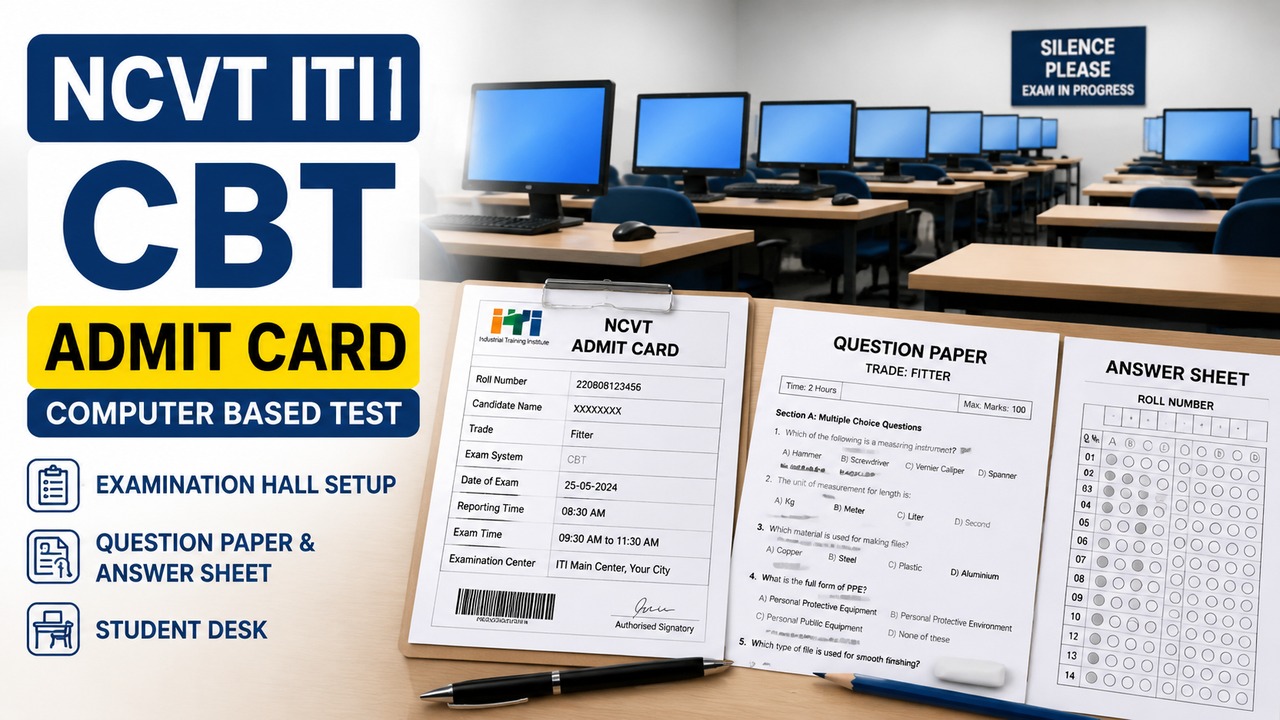
The Directorate General of Training (DGT), under the Ministry of Skill Development and Entrepreneurship (MSDE), has released the NCVT ITI CBT Admit Card 2026 for eligible trainees appearing in the All India Trade Test (AITT) under the Craftsmen Training Scheme (CTS). Candidates can download their hall tickets through the official Skill India Digital Hub (SIDH) and NCVT Management Information System (NCVT MIS) portals.
The Computer-Based Test (CBT) is part of the national assessment process for trainees enrolled in engineering and non-engineering trades at Industrial Training Institutes (ITIs). As per the official DGT examination schedule, the CBT will be conducted from 9 July to 3 August 2026. Candidates are advised to download their admit cards well before their examination date and verify all details to avoid last-minute issues.
Last Updated: 4 July 2026
Source Verification: Information in this article is based on the latest DGT examination schedule, CTS Mains examination notifications, and updates available on the official Skill India Digital Hub and NCVT MIS portals as of the publication date.
Important Dates
|
Event |
Status |
Date |
|
Practical Admit Card Download |
Confirmed |
23 June – 10 July 2026 |
|
CBT Admit Card Download |
Confirmed |
3 July – 3 August 2026 |
|
CBT Examination |
Confirmed |
9 July – 3 August 2026 |
|
CBT Fee Payment Window |
Historical |
20 May – 18 June 2026 |
Note: Any revised schedule issued by DGT or MSDE after publication will supersede the dates listed above.
How to Download the NCVT ITI CBT Admit Card
Candidates may use either of the official portals.
Through Skill India Digital Hub (SIDH)
- Visit the official SIDH portal.
- Log in using your Permanent Registration Number (PRN) and Date of Birth.
- Open the Trainee Dashboard.
- Select CBT Exam Hall Ticket.
- Download and save the PDF for future use.
Through NCVT MIS
- Visit the official NCVT MIS portal.
- Open the Trainee Profile section.
- Enter your Registration Number, Father’s Name, and Date of Birth.
- Open your trainee profile.
- Download the hall ticket from the Admit Card/Marksheet section.
Details to Verify
After downloading the admit card, candidates should ensure the following information is correct.
|
Information to Check |
|
Candidate’s Name |
|
Father’s Name |
|
Registration Number / PRN |
|
Trade and Semester |
|
Examination Date and Shift |
|
Reporting Time |
|
Examination Centre Name and Address |
|
Candidate’s Photograph and Signature |
|
QR Code or Barcode |
|
Examination Instructions |
If any discrepancy is found, it should be reported to the respective ITI institute or the examination authority before the scheduled examination.
Documents Required
|
Mandatory Documents |
|
Printed Admit Card |
|
Original Government-issued Photo ID (Aadhaar Card, Voter ID, Driving Licence or equivalent) |
|
ITI Identity Card (if applicable) |
Candidates should note that digital copies or screenshots of the admit card are generally not accepted at the examination centre.
Exam Day Guidelines
Candidates are advised to report 30 to 45 minutes before the reporting time mentioned on the admit card to allow sufficient time for verification.
The following items are prohibited inside the examination hall:
- Mobile phones
- Smartwatches
- Calculators
- Earphones
- Bluetooth devices
- Other electronic gadgets
Compliance with the instructions printed on the admit card and those issued by invigilators is essential throughout the examination.
If You Cannot Download the Admit Card
In case of technical difficulties:
- Confirm that the PRN, Registration Number and Date of Birth have been entered correctly.
- Try accessing the portal during non-peak hours.
- Clear your browser cache or use a private browsing window.
- Switch to another supported browser if required.
- Contact your ITI institute or the official NCVT MIS helpdesk if the issue remains unresolved.
Safety Advisory
Candidates should download the admit card only through the official Skill India Digital Hub and NCVT MIS portals. Be cautious of websites, social media posts or messages claiming to offer faster downloads or paid assistance.
Do not share your PRN, login credentials, passwords or One-Time Password (OTP) with anyone. Government authorities do not request payment for admit card approval, corrections or examination entry through phone calls, emails or messaging applications. Any suspicious communication should be verified through the official portals or the concerned ITI institute before taking any action.
Official Sources
This article is based on information available from:
- Directorate General of Training (DGT) – Official Examination Schedule and CTS Mains Notifications (latest version available as of 4 July 2026)
- Ministry of Skill Development and Entrepreneurship (MSDE)
- Skill India Digital Hub (SIDH)
- NCVT Management Information System (NCVT MIS)
Editorial Disclaimer
This article is intended for informational purposes only. Examination schedules, admit card availability, login procedures and related instructions may be revised by the Directorate General of Training (DGT) or the Ministry of Skill Development and Entrepreneurship (MSDE) after publication. Readers should verify the latest notifications, circulars and portal updates through the official DGT, SIDH and NCVT MIS websites before appearing for the examination. In the event of any discrepancy, official notifications and portal updates shall prevail.